

Let Patients Leave Messages Without Involving Your Staff
Every day, patients call wanting to leave messages for their doctor or speak directly to clinical staff. But with busy front desks and limited time, it’s easy for calls to pile up—and for important details to get lost.
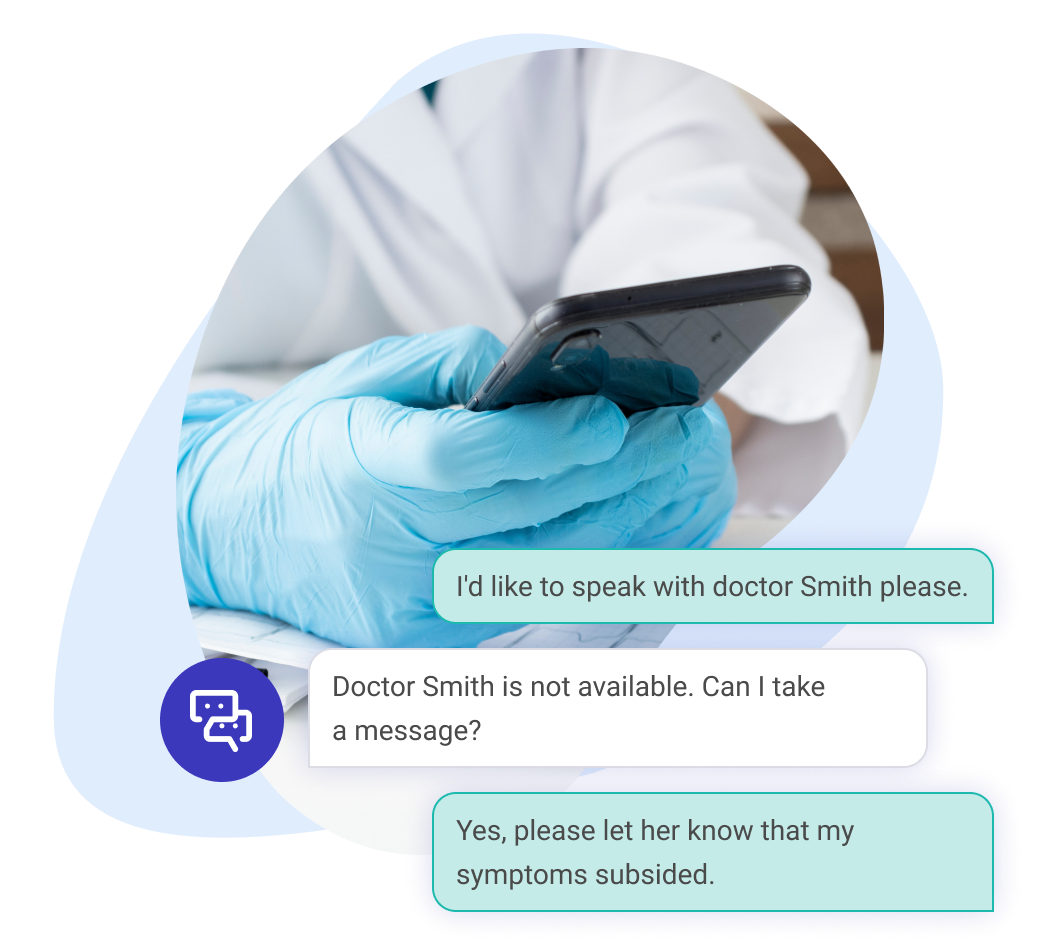
With Talkie.ai’s Message for Provider feature, patients can leave secure messages with our AI agent at any time. The AI captures the message, logs it in your system, and ensures your team gets notified—without interrupting their workflow.
By automating message-taking, you reduce phone tag, keep your staff focused, and ensure patients are always heard.
Improving patient experience at 300+ clinics:





What your practice gains
when AI takes the message
-

Capture patient messages 24/7
even outside of office hours
-

Automatically log messages
in your EHR or system for easy follow-up, without relying on separate frameworks
-

Reduce interruptions
and free up your front desk for higher-priority tasks
-

Keep your logs complete
Ensure no patient message is lost or forgotten
-

Improve response times
by keeping your team notified and organized
-
Enhance patient satisfaction
by making it easy to leave messages without waiting on hold
-

AI agents ask follow-up questions
to gather all relevant information, ensuring no request is unclear
-

Receive concise summaries of each message
with the subject serving as the summary to prioritize tasks
-

No more cut-off or generic messages
AI ensures the full context is captured and clear
How Does It Work?
-
1
Patient Calls with a Request
A patient calls your practice and asks to speak to a doctor.
-
2
AI Agent Responds
The AI agent explains the doctor is not available, but it can take the patients’ message.
-
3
Patient Leaves a Message
The patient explains their concern or request, and the AI agent captures it and asks follow-up questions to gather all the relevant information.
-
4
Message Logged in the System
The message gets recorded in the EHR or the practice’s system either as a report or a patient case, with the subject of the message serving as its summary for easy task prioritization.
-
5
Staff Completes the Request
If follow-up is needed, the front desk can call the patient—otherwise, they just complete the request, reducing unnecessary callbacks and interruptions.
Patient-friendly automation in action

Creating Patient Cases
Capture crucial details about new symptoms—such as pain, fatigue, or persistent conditions—even when your team is unavailable. Talkie.ai collects patient-reported concerns, giving your clinicians a head start on every case.

A lot of times before Talkie.ai, I would get secondhand conversations of the staff approaching me, saying, “well, this patient called and said X, Y, and Z.” Now I’m able to look at the report myself, listen to the phone call, and understand—did the patient really request this? It’s a play by play of the conversation, of what directly came from the patient. As a manager, being able to view that in the report makes life great.Ashley Glisson Senior Administrator at MHP Radiation Oncology Institute
FAQ
-
Where are patient messages stored?
All messages are securely recorded and documented within your scheduling system or EHR, following HIPAA-compliant practices.
-
Can the AI collect specific information, like symptoms or callback details?
Yes, the AI can follow custom scripts to collect details such as the reason for the message, symptoms, or preferred contact times, based on your needs.
-
What happens if a patient needs urgent medical attention?
If a patient describes an emergency or an urgent situation, the AI will recognize it and escalate the call or direct the patient to emergency services according to your protocols.
-
Is the message stored as audio, text, or both?
By default, messages are transcribed into text for easy review, but you can also access the original audio recording if needed. There’s also an option of sending a link to the conversation in the Talkie platform directly to your EHR.
-
Is there a character or length limit for messages?
No. The AI agent will wait long enough for the patient to leave the entire message—often with a return phone number, if necessary.