







Talkie works with the phone system
you already have
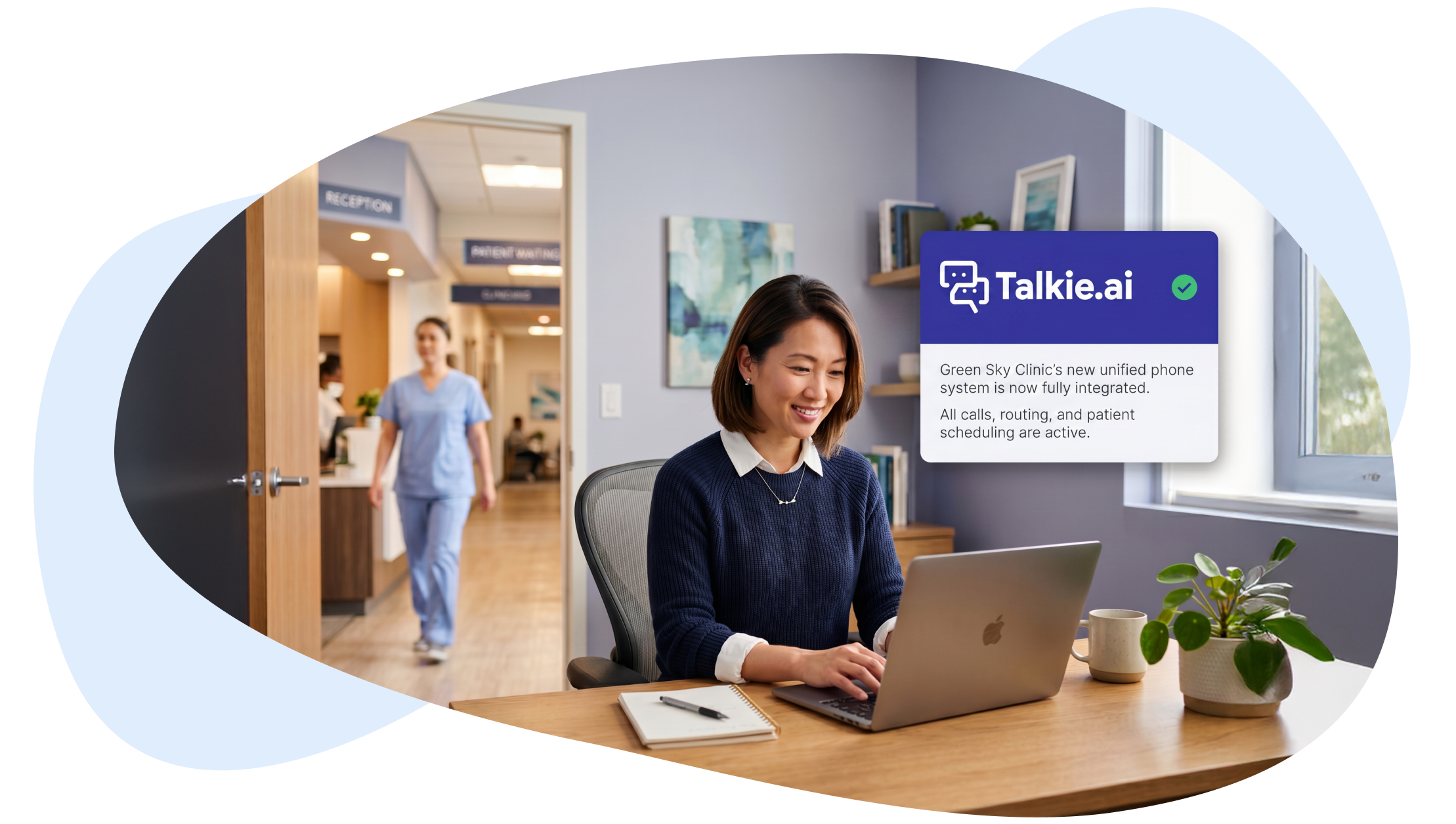
When you bring Talkie into your practice, you don’t switch providers or rebuild your telecom setup. Talkie connects to the phone system you already use, so your AI agent goes live without disrupting anything else in your stack.
There’s very little for your team to do on the technical side. Our team handles the configuration—coordinating with your phone provider directly, or partnering with your in-house IT team where you have one—so no one at your practice has to run point on a telecom setup.
No need to switch phone providers
When practices evaluate AI agents, one of the first questions we hear is: “Will this work with my phone system?”
It’s a fair concern. You’ve signed a contract with your telecom provider. Your team is trained on the system. Your number has been the same for years. Switching all of that just to add an AI agent isn’t a small ask.
So we’ve invested in compatibility across a wide range of phone systems—from national carriers to UCaaS platforms to regional VoIP providers. Talkie plugs in without disturbing anything else.
Phone systems Talkie works with
We work with over 300 phone systems and counting. Here are some of the providers we connect with most often:











Don’t see your provider?
Reach out anyway—we can almost certainly integrate.
Talkie connects through two standard methods: call forwarding (which works with any phone system) and SIP trunking (the protocol modern VoIP systems use). Between them, we can plug into virtually any setup.

We get excellent support from the Talkie team. I can’t say this enough: the Talkie team wants you to succeed, and so I feel like they do whatever they can in their power to make sure this implementation is successful.Leasa Horst Practice Administrator at ESD Pediatric Group
What phone system integration actually looks like at your practice
For most of our clients, phone systems and integrations aren’t something they think about day to day. We’ve designed our process around that. We’ve seen practices approach setup in three different ways—we’re flexible enough to fit any of them.
-
A
We do it for you
The most common scenario. You give us access to your phone system with a provider portal, and our team configures everything ourselves. You don’t need to touch a thing.
-
B
You drive, we guide
For practices that prefer to keep access in-house, we send clear instructions on what to do—or we get on a screen-sharing call and walk through the setup together in real time.
-
C
We work with your IT partner
If an external IT provider or in-house IT team handles your phones, we coordinate with them directly.

Two dedicated experts, always
No matter which path you take, every practice gets two assigned experts on the Talkie side:
- An implementation specialist
- A telecom specialist
Both are available to you from day one—answering questions, handling configuration, and making sure the connection works the way it should.
What you get once Talkie is connected
Patients fall through the cracks in different ways. Here are the most common—and the most costly:
-

Zero hold times
Every call is answered the second it comes in.
-

Unlimited concurrent calls
No more busy signals during morning surges or post-holiday spikes.
-

Smooth handoffs to your team
When a human is needed, Talkie transfers the call with full context—no starting from scratch.
-

After-hours coverage
Patients who call at 9 PM can schedule visits, get responses to their questions, etc.
-

Spam and robocall filtering
Junk calls get disconnected before they reach your team.
-

Full call documentation
Every interaction is transcribed and logged.
Smart routing built around your rules
Talkie doesn’t impose its own routing logic. It follows whatever rules your practice already has in place.
That includes routing to:
-

Specific extensions
-

Individual users or providers
-

Hunt groups and call queues
-

External numbers (like a billing department)
-
On-call providers’ personal devices
Routing can also vary by time of day, so business-hours calls and after-hours calls land in the right place automatically.
I would definitely recommend Talkie.ai. The team is great. The team was very patient with us. We had a lot of expectations, and the Talkie team really came through.Jimmy Kallikadan CEO at Health + Glow Primary Care and Med Spa
Beyond the phone system
The phone system is the entry point. The real value shows up in what happens after the call—when Talkie creates the appointment, patient case, or message directly into your EHR. That’s where we’ve gone deepest: native integrations with athenahealth, Elation Health, ModMed EMA, AdvancedMD, and eMedicalPractice.




Frequently asked questions
-
Do we need to change our phone number?
No. Talkie works with the number you already use.
-
Do we need to switch phone providers or sign a new contract?
No. Your existing contract with your phone provider stays in place. In 95% of cases, the integration doesn’t generate any new costs. In the remaining cases, any added cost is minimal—for example, a small monthly fee (around $15) for an additional phone number when one is needed.
-
Is Talkie HIPAA-compliant?
Yes. Talkie is fully HIPAA compliant and SOC 2 Type II certified.
-
What if our provider isn’t on your list?
We almost certainly still integrate. Thanks to our call forwarding and SIP trunking setups, we can connect with virtually any phone system. Let us know what you’re using and we’ll confirm the path forward.